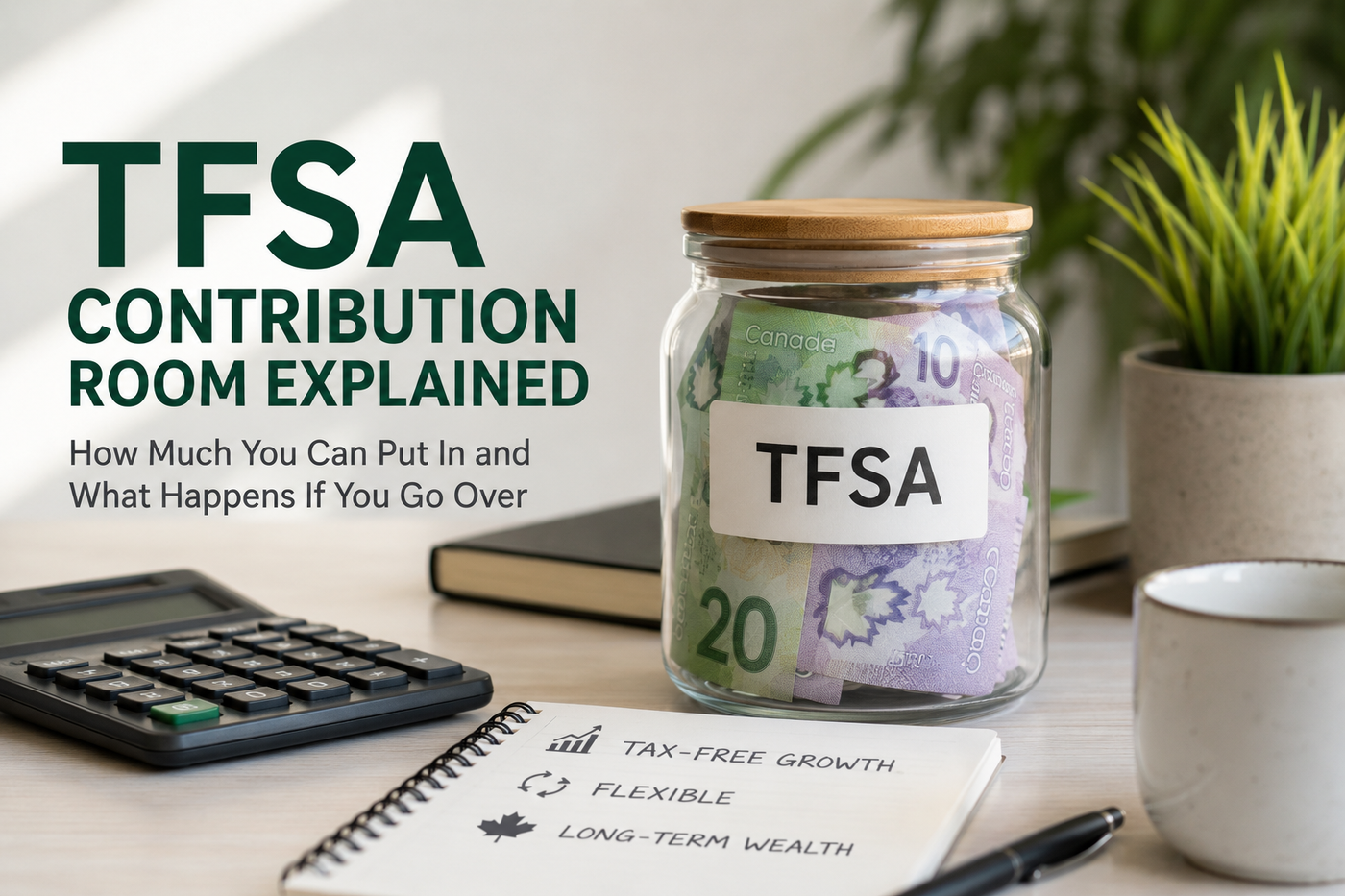
TFSA Contribution Room Explained: How Much You Can Put In and What Happens If You Go Over

June 10, 2026
A plain-language guide to TFSA contribution room in Canada, including annual limits, withdrawals, overcontributions, newcomer rules, tracking mistakes, and a link to Canooq's TFSA calculator.
GUIDE
TFSA room is the limit that keeps you out of penalty trouble.
Your TFSA can be powerful, but only if you know how much room you have and how withdrawals affect future room.
- Room accumulates only when you are eligible.
- Withdrawals usually return as new room on January 1 of the next year.
- Overcontributions can cost 1% per month on the excess amount.
Estimate your room
Use this as a planning guide, then confirm rules and prices before making a money decision.
What's on this page
TFSA contribution room is the maximum amount you can add to your TFSA. It grows every eligible year, withdrawals usually come back next year, and excess contributions can trigger a 1% monthly tax.
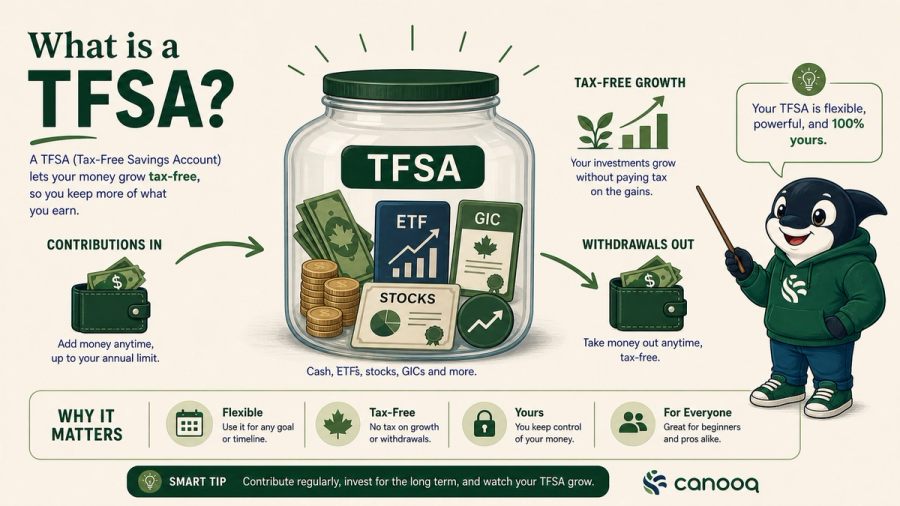
A TFSA is simple until contribution room enters the conversation. The account name says savings, but a TFSA can hold cash, GICs, ETFs, stocks, and other qualified investments. The key rule is the room. Room is the amount you are allowed to contribute without penalty.
What TFSA contribution room means
TFSA contribution room is your unused TFSA limit. Every eligible year adds a new annual dollar limit. If you do not use it, it carries forward. If you withdraw money, that withdrawal is usually added back to your room on January 1 of the next year.
TFSA room in plain language
Simple examples of how TFSA room behaves.
| Situation | What it means |
|---|---|
| You were eligible and did not contribute | The unused room carries forward. |
| You contributed less than your available room | The leftover room carries forward. |
| You withdraw from your TFSA | The withdrawal usually returns as room next calendar year. |
| You recontribute the withdrawal in the same year without room | You may overcontribute. |
| You contribute above your limit | CRA may charge 1% per month on the excess amount. |
Who gets TFSA room
- You generally start accumulating TFSA room when you are 18 or older, have a valid SIN, and are a Canadian resident for tax purposes.
- If you moved to Canada, your TFSA room usually starts when you become a Canadian tax resident and meet the other conditions. You do not get room for years before you were resident.
- If you leave Canada and become non-resident for tax purposes, TFSA contributions can create tax problems. Check the CRA rules before contributing while non-resident.
How withdrawals work
Withdrawals are where many people make mistakes. If you withdraw $5,000 in June, you do not automatically get $5,000 of room again in June. That $5,000 usually comes back on January 1 of the next year. If you contribute it back too soon and you had no unused room, you can create an excess TFSA amount.
CRA account room can lag
Your CRA account can show a useful number, but it may not include recent contributions or withdrawals. Financial institutions report TFSA activity to CRA after the year ends. If you use several banks or brokerages, track contributions yourself.
- Keep a simple spreadsheet with date, institution, contribution, withdrawal, and running available room.
- Count transfers correctly. A direct TFSA-to-TFSA transfer handled by institutions is different from withdrawing money yourself and recontributing it.
Common TFSA contribution-room mistakes
- Treating the CRA number as live when you made recent contributions.
- Withdrawing in December and recontributing before January 1.
- Opening TFSAs at multiple institutions and forgetting one contribution.
- Moving to Canada and assuming you have room for years before Canadian tax residency.
- Thinking investment losses create new contribution room. Losses inside the TFSA do not restore room.
Use these next
Estimate room, then decide whether the TFSA is the right account for the goal.
Use the TFSA calculator before you move money
The easiest way to make a TFSA mistake is to rely on memory. Before contributing, open Canooq's TFSA Contribution Room Calculator and enter your eligibility years, contributions, and withdrawals. Treat the result as a planning estimate, then confirm your official room in CRA My Account.
The calculator helps when your TFSA history is messy. It forces you to list the years you were eligible, what you already contributed, and what you withdrew in previous years. That matters because a January withdrawal and a December withdrawal can affect next year's room the same way, while a same-year recontribution can create a penalty if you had no unused room.
- Use it before opening a second TFSA at another bank or brokerage.
- Use it before recontributing money you withdrew earlier this year.
- Use it if you moved to Canada and need to separate Canadian tax-resident years from earlier years.
- Use it after checking CRA My Account if you know your banks have not reported recent activity yet.
Estimate your TFSA room
Use the article to understand the rules, then use the calculator as a planning estimate before checking CRA My Account.
Related articles:
Page details
Author: Canooq Editorial
Updated: June 10, 2026
Cite this page: Canooq.ca, TFSA Contribution Room Explained: How Much You Can Put In and What Happens If You Go Over, https://canooq.ca/blog/tfsa-contribution-room-explained-canada
Canooq content is educational and may include affiliate or referral links. It is not financial, tax, legal, immigration, employment, mortgage, real estate, or healthcare advice. Verify official sources and provider terms before acting.