Should you buy a dashcam in Canada?
Most days a dashcam records nothing worth watching. Then someone clips your car and drives off, and it becomes the best $170 you ever spent.

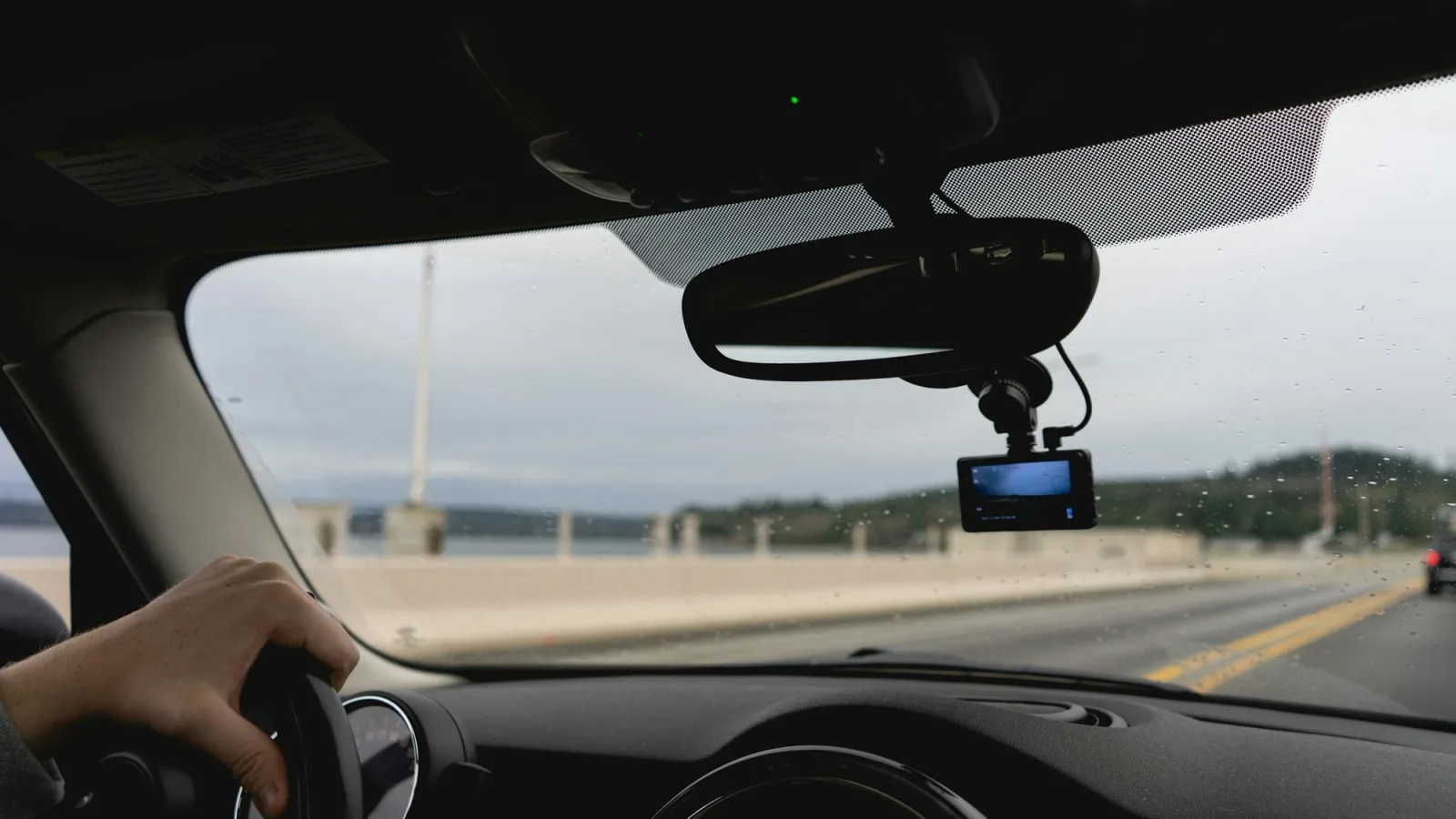
Honestly, most days a dashcam records nothing you'd ever want to watch. You'll forget it's there. Then one afternoon someone clips your bumper in a parking lot and drives off, or swears up and down that you ran the light, and that little camera behind your mirror turns into the best $170 you've ever spent.
That's not a sales pitch. It keeps happening around Vancouver, and plenty of it ends up on YouTube.
Four times a dashcam saved the day
The hit-and-run where the camera got the plate
In September 2016, a Toyota hit a family's car at a gas station in Vancouver and just left. They had a dashcam running, and it caught the licence plate clearly. The family said in the video's description that police and ICBC had both opened files and tracked down the driver within a few days. Without that clip, they'd have had a dent and a description of a car.
The parked car that ended up inside a flower shop
This one's hard to believe even when you watch it. On a Saturday evening in May 2024, at the Park and Tilford shopping centre in North Vancouver, an SUV tore through the parking lot and hit a parked sedan so hard it went backwards through the front of a flower shop. Nobody got hurt, thankfully. What caught it was a dashcam in another parked car, left running while its owner was off shopping.
The break-in on a busy Burnaby street
On a Sunday night in August 2023, around 9:20, someone walked up to a parked car on Kingsway near Royal Oak, smashed the window and dug through the glove box. The owner had left nothing in sight, so the thief walked away with nothing. The owner wasn't there, but the camera was, and it got the whole thing.
The video police used to look for a driver
This is the hardest one to watch. On February 5, 2026, a driver turning left at West 3rd Street and Bewicke Avenue in North Vancouver hit a person crossing in a wheelchair, then kept going. The victim was seriously hurt. A week later, North Vancouver RCMP put out dashcam video from just before the crash and asked anyone who knew anything, including the driver, to come forward.
Notice something? In two of those four, the camera that mattered belonged to someone who had nothing to do with the crash. Your dashcam protects you, and every so often it helps a complete stranger too.
So, should you get one?
If you drive most days, or you park on the street or in a busy lot, yes. So many crash disputes come down to one person's word against another's, and a video settles that in about ten seconds.
It also plays nicely with ICBC. You can sign in to your claim online and upload the video right alongside your photos and receipts. ICBC decides how much of a crash each driver is responsible for, and your claim shows the share it gave you, so a clip of the other car blowing through a stop sign is exactly what you want them to see. And if your camera catches someone else's crash, ICBC has a separate page where you can send it to their claim. You'll just need their last name and claim number, so swap details or leave a note.
If you barely drive and your car lives in a locked garage, you can probably skip it.
What to look for before you buy
You don't need to become a camera expert, but a few things make a big difference.
Get one with a rear camera if you can. A front-only camera can't see the car that rear-ends you, and that's one of the crashes you most want on video.
Pay attention to night video. A Vancouver winter is basically months of driving in the dark and the rain. Look for "STARVIS 2" in the description (it's a Sony sensor made for low light) and HDR, which stops headlights from turning a licence plate into a white blob.
If you want the camera to watch your car while it's parked, like in the Burnaby and North Van videos, you'll need parking mode. That usually means a hardwire kit, a cable that runs from the camera to your car's fuse box, for about $40. It turns the camera off before your battery gets too low to start the car. A car audio shop will put one in if you don't want to poke around in the fuse box yourself.
Finally, GPS stamps your speed on every clip (handy when you need to show you were doing 48 in a 50), and Wi-Fi lets you save a clip to your phone right there at the side of the road.
Best overall: VIOFO A229 Plus
If you just want one name, it's this one. Both the front and the rear cameras record in sharp 1440p with STARVIS 2 sensors, so the back camera is just as good as the front, which isn't the case on a lot of cheaper kits. Night footage is clear, it has GPS and fast Wi-Fi, and you can say "lock video" to save a clip without taking your hands off the wheel. Add the hardwire kit and it'll keep watching your car around the clock.
If you'd rather stick with a name you already know, the Nextbase 522GW costs about the same and has thousands of reviews, but it only records the front out of the box, and you buy the rear camera separately. And if you want to spend less, the 70mai A810S gets you a 4K front camera, a rear camera and a 128 GB memory card for about $200.

VIOFO A229 Plus front and rear dashcam
Best for: Daily drivers who park on the street or in a shared lot.
1440p front and rear, STARVIS 2 sensors and HDR in both cameras, GPS, 5 GHz Wi-Fi and voice control.
$349.99
Pros
- Sharp 1440p video front and rear
- Strong night video in both directions
- Buffered 24-hour parking mode
- Fast Wi-Fi saves clips to your phone
Cons
- Parking mode needs a hardwire kit, about $40 more
- Running the rear cable neatly takes patience
As an Amazon Associate, Canooq may earn from qualifying purchases.
Value option: REDTIGER F7N
For $170, it's hard to complain about the REDTIGER F7N. You get two cameras, a 4K one up front and a 1080p one for the rear window, plus GPS, Wi-Fi and a 64 GB memory card in the box, so it's ready to go out of the package. The rear footage isn't as sharp as the VIOFO's, and you'll need a hardwire kit for parking mode, but for a first dashcam it covers the important stuff.
If you'd rather go with VIOFO at this price, the A119 Mini 2 costs the same, uses Sony's STARVIS 2 night sensor and is tiny enough to hide behind the mirror, but it only films the front. And the 70mai A810S is worth the extra $30 for STARVIS 2 sensors in both cameras and double the storage.

REDTIGER F7N front and rear dashcam
Best for: A first dashcam that still covers the back of the car.
4K front and 1080p rear cameras, GPS, 5 GHz Wi-Fi and a 64 GB memory card in the box.
$169.99
Pros
- Front and rear cameras for $170
- 64 GB memory card included
- GPS and fast Wi-Fi
Cons
- Rear camera is only 1080p
- Parking mode needs a hardwire kit
- Far fewer reviews than the big names
As an Amazon Associate, Canooq may earn from qualifying purchases.
High-end choice: Thinkware U3000
Thinkware is one of the big Korean dashcam brands, and the U3000 is built for people who worry about their car while it's parked. It records 4K at the front and 2K at the rear with STARVIS 2 sensors, and its party trick is parking mode: a built-in radar watches for movement around the car using very little power, so it can keep an eye on things for much longer than a camera recording all night. It also comes with a cable that plugs into your car's diagnostic port, so you can get parking mode without touching the fuse box. It's pricey, and its Amazon reviews are more mixed than the VIOFO's, but it's the most hands-off way to protect a parked car.
There are good alternatives at this price. The Garmin Dash Cam X310 records 4K and has a touchscreen and a glare-cutting lens, but it has no rear camera, and its parked-car alerts need a paid Garmin subscription. If you drive for Uber or Lyft, the Vantrue N4 Pro S is the one to look at, because it adds a third camera that films the inside of the car. And the VIOFO A329S gets you 4K at the front and 2K at the back for less money, if you don't care about radar.

Thinkware U3000 4K front and rear dashcam
Best for: Watching a parked car with the least fuss.
4K front and 2K rear on STARVIS 2 sensors, radar parking mode, GPS and an OBD-II power cable.
$659.99
Pros
- Radar parking mode uses very little power
- OBD-II cable included, no fuse box needed
- Sharp 4K front and 2K rear video
Cons
- Expensive
- Amazon reviews are mixed
As an Amazon Associate, Canooq may earn from qualifying purchases.
| Dashcam | Cameras | Price on Amazon.ca | Good for |
|---|---|---|---|
| VIOFO A229 Plus | Front and rear, 1440p | $349.99 | Most drivers |
| REDTIGER F7N | Front 4K, rear 1080p | $169.99 | A first dashcam on a budget |
| Thinkware U3000 | Front 4K, rear 2K | $659.99 | Watching a parked car with the least fuss |
Putting it in
Stick the camera up high, behind your rear-view mirror, so it sees the road without getting in your way. Tuck the cable into the edge of the headliner and down the door pillar, and run a rear camera's cable along the headliner to the back window. Then set the date and time, and switch on GPS, so every clip shows exactly when and where it happened.
One more thing if you drive the Coquihalla or the Sea-to-Sky this winter: check the mount after the first real cold snap. Adhesive pads can let go in the cold, and a dashcam lying on the floor mat isn't recording much.
Page details
- Written by
- Thomas Tremblay
- Last updated
- November 7, 2026
Sources
- BlackboxMyCar (YouTube): Gas station hit and run caught on a dash cam in Vancouver, BCmediaChecked 2026-11-07
- CTV News (YouTube): Video shows car slamming into North Vancouver shopmediaChecked 2026-11-07
- xSupaD (YouTube): Car break in caught on dash cam in Burnaby, BCmediaChecked 2026-11-07
- North Vancouver RCMP (YouTube): Can you help identify this hit and run driver?governmentChecked 2026-11-07
- CityNews Vancouver: RCMP seeking witnesses after driver strikes wheelchair user in North VancouvermediaChecked 2026-11-06
- ICBC: Manage your claimgovernmentChecked 2026-11-06
- ICBC: Submit documents for someone else's claimgovernmentChecked 2026-11-06
Cite this page: Canooq.ca, Should you buy a dashcam in Canada?, https://www.canooq.ca/blog/best-dashcams-bc-drivers
Canooq content is educational and may include affiliate or referral links. It is not financial, tax, legal, immigration, employment, mortgage, real estate, or healthcare advice. Verify official sources and provider terms before acting.